
The Trick to Find Out Who’s Connected to Your WiFi Without Permission and Kick Them Out Instantly
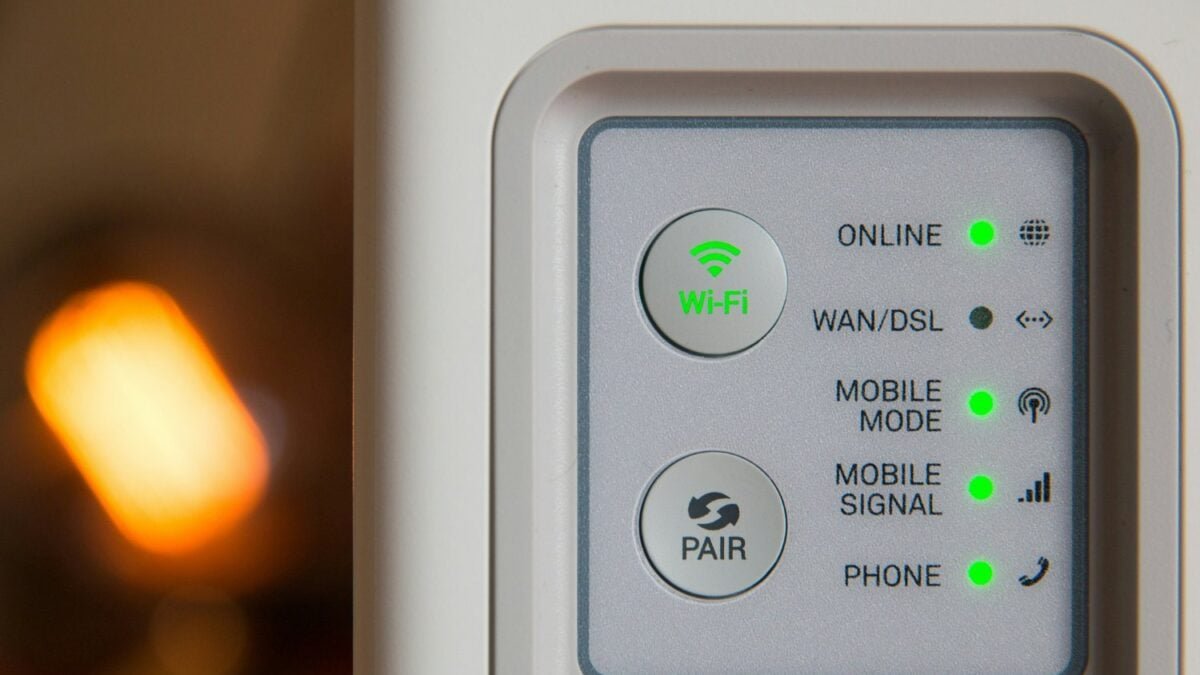
Not always it’s a provider or coverage issue in the area. Many times, the problem is at home: unauthorized connected intruders that make the browsing unstable. According to ESET, a home network can get overloaded when there are too many devices connected at once. This causes interruptions in downloads, failures in video calls, and sites that stop loading.
How to detect intruders on your network

The most direct way to check if someone is using your WiFi without permission is to access the router settings. The steps are simple:
– Open your browser and enter your router’s IP address.
– Enter the username and password.
– Access the administration panel.
– Look for the “Connected Devices” section.
– Identify and remove those you don’t recognize (they may be mobile phones, computers, or tablets).
If the same intruders reappear, it is advisable to change the router password from the same administration panel.
How to secure your WiFi against intruders

To prevent unauthorized access in the future, experts recommend applying simple but effective measures:
– Create a secure password, with letters, numbers, and special characters.
– Set up a guest network, limiting its access.
– Enable WPA2 or WPA3 encryption on the router.
– Disable WPS, which makes access easy with a simple pin.
Periodically checking which devices are connected is a good practice to keep the network clean and avoid surprises. With these precautions, you can browse without interruptions and without anyone taking advantage of your connection improperly.